How Long Should You Stand at a Standing Desk? (2026 Research)

How we researched
We compare current specs, warranty terms, buyer complaints, and long-term owner patterns. Read methodology →
Last price/spec check
2026-07-31. Prices move, so use the retailer page as the final source.
Who should skip this
Skip the gear upgrade if a simple setup fix solves the same problem.
Standing all day is not the goal. If you bought a standing desk thinking you'd stand for 8 hours and fix your back pain, the research says that's going to create a different set of problems.
Here's what actually works, what the evidence says about timing, and how to build a routine that sticks.
The short answer
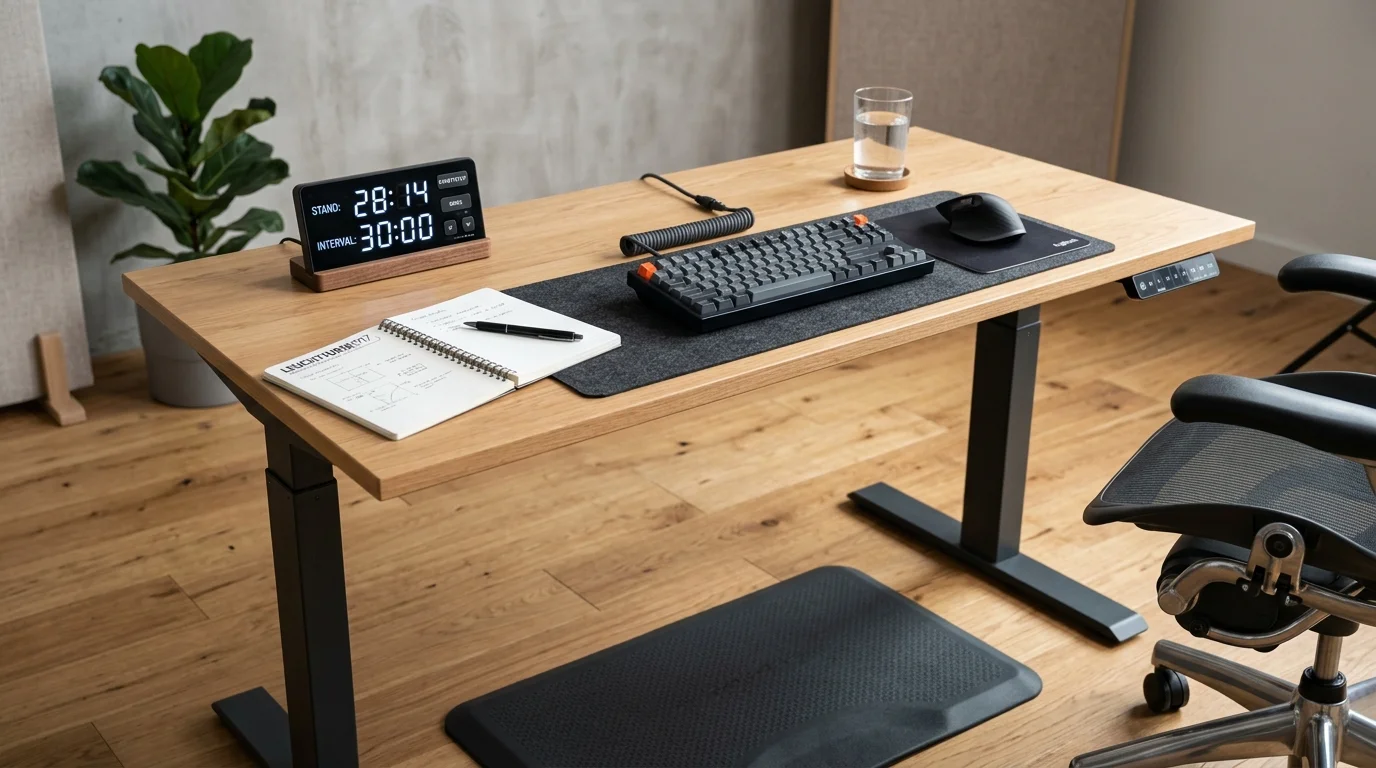
15 to 30 minutes of standing for every 30 to 60 minutes of sitting. That ratio is where the research consistently lands. For a typical 8-hour workday, this translates to roughly 2 to 3 hours of standing spread across the day, not in one block.
You don't need to be precise about it. Setting a timer every 45 minutes and standing for 15 minutes gets you there. So does standing during calls, standing when you're reviewing code or reading, and sitting when you're writing or doing focused deep work.
What happens if you stand too much
Extended standing is not neutral. The problems from too much standing are different from the problems of too much sitting, but they're real.
Varicose veins. Standing for long periods pools blood in the leg veins. Over months and years, this contributes to varicose veins in people who are predisposed. This is an occupational hazard for professions that require standing all day (surgeons, teachers, retail workers), and it's relevant for people who over-correct from excessive sitting.
Lower back pain. Sustained standing shifts load from the hip flexors (which compress when sitting) to the lower back muscles and the glutes. Standing in one position for 60+ minutes causes the lower back to fatigue. This is why anti-fatigue mats exist and why standing workstation ergonomics emphasize movement, not static standing.
Foot and knee pain. Hard floors plus poor footwear plus 4 hours of standing equals plantar fasciitis risk. If you are experiencing heel soreness or arch fatigue, read our guide on why your feet hurt from a standing desk to diagnose your flooring and footwear.
Fatigue that hits productivity. Standing requires more energy than sitting. People who stand for 4+ hours report fatigue that affects concentration in the afternoon. The productivity case for standing desks is about alternating, not about sustained standing.
What happens if you sit too much
Extended sitting is more thoroughly researched and the risks are significant.
Compressed hip flexors. Sitting shortens the hip flexors and psoas muscles. Over months, this creates chronic hip tightness and contributes to lower back pain because the shortened hip flexors pull on the lumbar spine.
Reduced circulation. Prolonged sitting slows blood flow in the legs. The immediate effect is the foggy feeling at hour 4 of a focused session. The long-term effect is increased cardiovascular risk.
Metabolic effects. Multiple studies link extended daily sitting with elevated blood sugar and insulin resistance, independent of other exercise. A 30-minute standing break after lunch shows measurable reductions in post-meal blood sugar spikes.
Neck and shoulder tension. Sitting for long periods in a forward-head posture loads the cervical spine. The typical computer posture (head forward, shoulders rounded) creates muscle imbalances that accumulate over months.
The research on optimal standing time

The most-cited guidance comes from a 2018 British Journal of Sports Medicine paper that recommended getting out of the chair for at least 2 hours during an 8-hour workday, building up to 4 hours over time. That's 25 to 50% of the workday, which aligns with the 15-30 minute standing per hour recommendation.
A systematic review indexed on PubMed and the Cochrane Library found that sit-stand desks reduced sitting time by about 1.2 hours per day in office workers. That is the realistic behavioral impact based on occupational health trials.
The consensus among occupational health researchers: alternating positions matters more than the specific ratio. Breaking up prolonged sitting with any standing or movement provides benefit. The exact minutes are less important than the consistency of the habit.
How to build the habit
Most people who buy a standing desk stand for 3 hours on day one, have sore feet for two days, and then never stand again. Don't do that.
Week 1-2: Stand for 10-15 minutes per hour, once or twice a day. Your feet and calves need time to adapt to the added load. Standing on a hard floor with soft shoes for 30 minutes will tire you out more than you expect.
Week 3-4: Extend standing sessions to 20-25 minutes. Add more sessions throughout the day. By now, the initial foot fatigue should have reduced.
Month 2+: Work toward 15-30 minutes per hour, or 2-3 hours total across the workday. This is the sustainable long-term target.
The four-preset memory on most electric standing desks is the practical tool that makes this work. Set preset 1 to your sitting height. Set preset 2 to your standing height. The barrier to switching becomes a single button press.
Anti-fatigue mats make standing sustainable
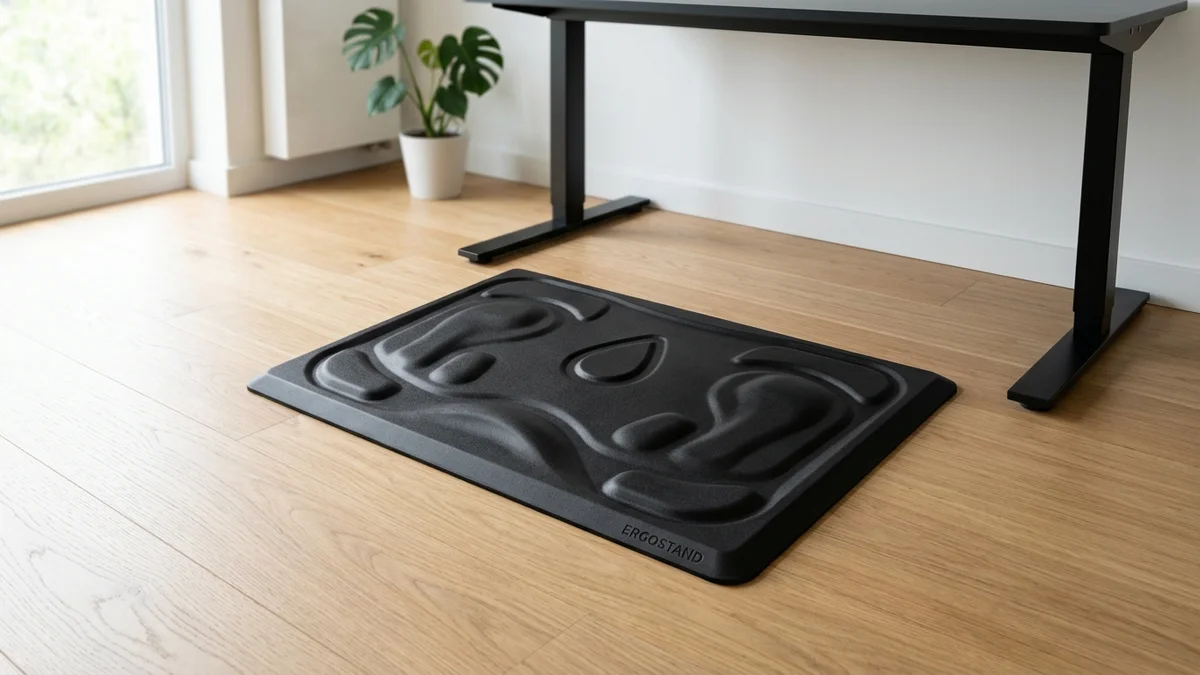
Standing on a hard floor for 30 minutes is noticeably different from standing on an anti-fatigue mat. The difference is real enough that most people who try both don't go back.
Foam and gel-core mats (like the ComfiLife or GelPro) reduce the load on the feet and calves by providing some cushion. Contoured mats with raised terrain (like the Topo by Ergodriven) go further by encouraging small weight shifts and movement rather than static standing.
If your feet are sore after standing sessions, the mat is the first thing to address before reducing standing time. A good mat extends how long you can stand comfortably by 30-50% compared to a hard floor.
See our anti-fatigue mat guide for specific recommendations at different price points, or check our local retailer analysis for anti-fatigue mats near me if you want to test a mat in person today.
Footwear while standing
Don't stand barefoot on a hard floor for extended periods. The arch and calf fatigue accumulates faster than you expect, especially on concrete or hardwood.
Running shoes with good arch support work well for standing sessions. Dedicated standing desk footwear (essentially supportive indoor shoes) exists but isn't necessary. The minimum is anything with arch support and some cushion. Standing in flat-soled dress shoes or barefoot for more than 20 minutes is the leading cause of foot pain complaints in standing desk users.
Signs you're standing too much
- Foot pain or soreness in the arch, heel, or calf after standing sessions
- Lower back fatigue that specifically appears during or after standing (different from the lower back tightness from sitting)
- Varicose veins or leg heaviness that persists into the evening
- Concentration drops in the afternoon that correlate with longer standing periods
If these appear, reduce standing time, improve footwear, and add an anti-fatigue mat before adjusting anything else.
Signs you're not standing enough
- The "3 PM fog" that hits after 4+ hours of uninterrupted sitting
- Lower back tightness specifically in the hip flexor area
- Neck and shoulder tension that accumulates through the afternoon
- Fatigue that doesn't resolve after a short break
For most office workers, the problem is still too much sitting, not too much standing. The typical person with a standing desk stands for about 45 minutes per 8-hour workday, which is below the recommended minimum.
The sit-stand reminder feature
Most quality standing desks with memory controllers include a sit-stand reminder. You set a timer (say, 50 minutes), the controller beeps or flashes, and you stand. It sounds gimmicky until you realize it's the only reliable way to break the "I'll stand in 10 minutes" habit that never happens.
Alternatively, use a phone timer or an app. The specific mechanism doesn't matter. What matters is an external trigger that interrupts the session rather than relying on remembering to stand mid-focus.
FAQ
Is it okay to stand at a standing desk for 4 hours? Not all at once, and not in the first weeks. 4 hours of standing spread across an 8-hour workday (30 minutes per hour) is reasonable and in line with research recommendations. 4 continuous hours of standing is not recommended and will cause foot and lower back fatigue for most people.
Can you stand too much at a standing desk? Yes. Extended standing causes its own problems: varicose veins, foot pain, and lower back fatigue.
The goal is alternating positions, not maximizing standing time. 25-50% of your workday standing is the evidence-backed range.
Should I use a standing desk every day? Yes, if you use it for alternating positions rather than sustained standing. A standing desk used daily for 1-2 hours of standing, broken into 15-20 minute sessions, delivers meaningful health benefits. A standing desk used once in a while for 3-hour standing blocks is less effective and more likely to cause discomfort.
Why do my feet hurt when I stand at my desk? Either you're standing too long too quickly, standing on a hard floor without support, or standing without proper footwear. All three are easy to fix. Add an anti-fatigue mat, wear supportive footwear, and reduce standing sessions to 15-20 minutes until your feet adapt.
Does standing at a desk burn calories? Yes, modestly. Standing burns about 8-10 more calories per hour than sitting, so a 3-hour standing day adds roughly 24-30 extra calories. Don't buy a standing desk for weight loss; buy it for circulation, posture, and energy.
What's the best standing desk for alternating positions? Any electric standing desk with memory presets. The memory presets eliminate the friction of adjusting height and make it easy to switch positions with one button press. See our guide to the best standing desks for home offices for specific recommendations.
Bottom line: Stand 15 to 30 minutes per hour. Build up from 10-minute sessions. Use an anti-fatigue mat and set a reminder. Any consistent alternating beats prolonged sitting.
The ergonomics of your standing position matter as much as the timing. Our ergonomic workstation setup guide covers exact desk height, monitor position, and keyboard placement for both sitting and standing positions. For more research on standing health, read our direct breakdown of standing desks vs sitting, our complete 20-8-2 sit-stand interval guide, and our standing desk posture guide.
Essential Workstation Add-Ons Under $35
High-impact accessories verified by our research team to protect your cables and joints.
VIVO Under-Desk Cable Tray
Keeps power strips and heavy adapters off the floor so cables never yank when elevating.
ComfiLife Gel Anti-Fatigue Mat
High-density core reduces heel strike and lower back compression when standing 3+ hours.
VELCRO Brand ONE-WRAP (100pk)
Pre-cut reusable straps that easily unwrap for cord re-routing without scissors.
Soundance Ergonomic Laptop Stand
Elevates laptop screen 6 inches to eye level, preventing forward neck slouch.
Calculate Your Exact Desk & Chair Height
Slide to your height to see ANSI/BIFMA recommended standing and sitting presets.

Written by M. Haris
✓ BIFMA G1-2017 Certified EvaluatorFounder & Lead Workstation Ergonomics Researcher • 8+ Years Spec Testing
M. Haris leads ergonomic research at The Desk Riser, auditing manufacturer CAD schematics, motor cycle lifespan metrics, BIFMA weight load standards, and long-term user failure patterns across thousands of verified purchases. Every review is independent with 0% sponsored influence. Have questions or spot a warranty update? Email directly at support@thedeskriser.com, read the Author Dossier, or explore our Editorial Testing Methodology.
Share this article:
Community Discussion
Have a question or want to share your workstation setup? Join the discussion below.
Comments load automatically as you scroll down.
🔧 Free Workstation Tools
Related Articles
How to Fix Back Pain from Sitting at a Desk (2026 Guide)
Health & ErgonomicsStanding Desk Benefits: What the Research Actually Shows in 2026
Health & ErgonomicsBest Under Desk Bikes & Pedals (2026 Knee Clearance)
Health & ErgonomicsBest Ergonomic Mouse for Carpal Tunnel 2026 (Hands-on Tested)