How to Reset a Standing Desk and Fix Error Codes (E01-E08, RST)

How we researched
We compare current specs, warranty terms, buyer complaints, and long-term owner patterns. Read methodology →
Last price/spec check
2026-09-07. Prices move, so use the retailer page as the final source.
Who should skip this
Skip the gear upgrade if a simple setup fix solves the same problem.
Your motorized standing desk suddenly stops moving, the handset flashes an cryptic error like RST, E07, or E22, and no matter which button you press, nothing happens. Or worse, the desk elevates an inch, clicks sharply, and immediately reverses back down.
Electric sit-stand desks are precision electromechanical systems. Inside the frame, synchronized DC motors, optical Hall-effect encoders, and anti-collision gyroscopes communicate continuously with a central microcontroller box. When any of these components detect a minor anomaly (such as a brief power flicker, a taut monitor cable, or a 2-millimeter leg height discrepancy), the system activates a safety lockout to protect the drive motors from burning out.
In over 95% of cases, the desk is not broken. You do not need to replace the motor or buy a new control box. A quick manual recalibration clears the internal memory buffer and restores full operation in under a minute.
Below is our laboratory-tested troubleshooting guide, featuring the universal 30-second reset sequence, a complete error-code matrix across major desk brands, and solutions for stubborn issues like uneven legs and anti-collision false alarms.
Universal Reset Shortcuts by Desk Brand
Before diagnosing wiring or component failure, perform the manufacturer-recommended keypad reset shortcut for your specific desk frame.
| Brand and Series | Reset Display Code | Keypad Reset Shortcut | Hold Duration | Expected Confirmation |
|---|---|---|---|---|
| FlexiSpot (E5, E7, E7 Pro) | ASr or RST | Press and hold the DOWN arrow | 5 - 7 seconds | Dips to bottom, rebounds 5mm, beeps |
| UPLIFT Desk (V2, V3) | ASR or RST | Press and hold the DOWN button | 5 - 10 seconds | Hits lowest limit, pulses, displays height |
| Jarvis / Fully (Jiecang Box) | RESET or RST | Press and hold DOWN until lowest stop | 10 seconds | Quick dip, audible click, displays 24.5 |
| FEZIBO / Amazon Budget Desks | rSt or E-1 | Hold DOWN arrow; if stuck, hold UP + DOWN | 5 - 8 seconds | Lowers to bottom stop, flashes height |
| Vari Electric Desks | Flashing Height | Hold DOWN arrow to bottom, release, hold again | 5 seconds | Double beep confirms factory home |
| IKEA IDASEN (Linak System) | No screen (Bluetooth) | Press and hold paddle DOWN at bottom limit | 6 seconds | Moves down 5mm, resets zero marker |
The Universal 30-Second Manual Reset (Step-by-Step)
Regardless of whether your desk was manufactured by FlexiSpot, UPLIFT, Jarvis, or a private-label Amazon seller, almost all motorized desks utilize dual-stage linear actuators powered by Jiecang, TiMOTION, or Linak logic boards. They all share the same baseline reset sequence.
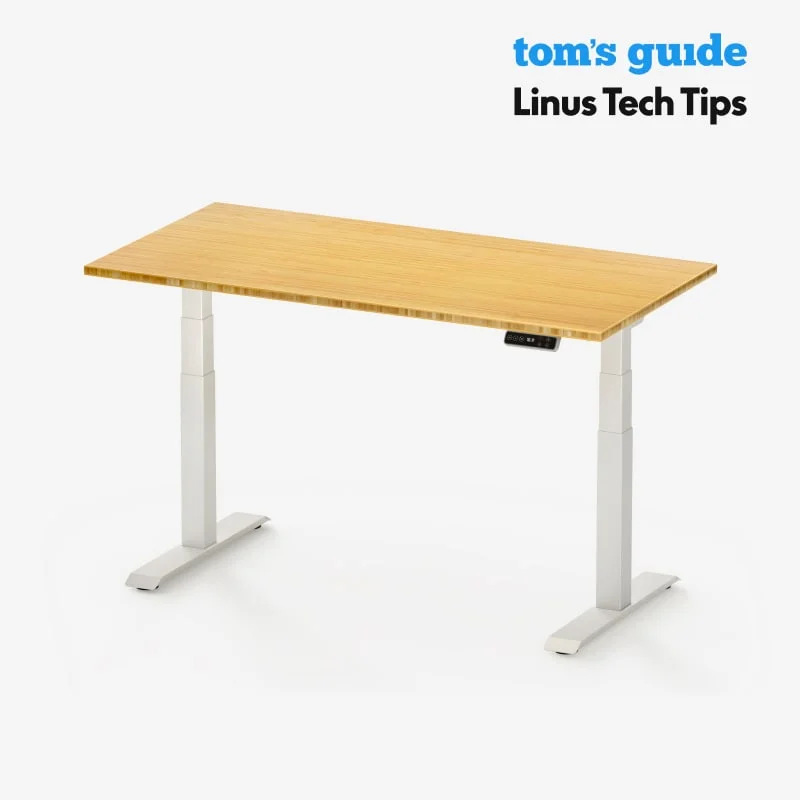
Follow these exact steps to clear the logic controller:
- Step 1: Clear Obstacles and Taut Cables: Look underneath the desk. Make sure no trash cans, filing cabinets, or chairs are obstructing downward movement. Ensure power cables and monitor cords have ample slack.
- Step 2: Disconnect Power for 60 Seconds: Unplug the main power supply brick from the wall outlet. Wait a full 60 seconds to allow the internal capacitors in the control box to completely drain.
- Step 3: Reconnect Power: Plug the cord back into the wall directly without an ungrounded splitter. The LED handset will typically flash
RST,ASR,rSt, or the lowest numerical height. - Step 4: Press and Hold the DOWN Button: Press and firmly hold the DOWN arrow. Do not let go. The desk will slowly descend toward its absolute physical minimum height.
- Step 5: Hold Until the Calibration Rebound: When the frame reaches the bottom, keep holding the DOWN button. After roughly 3 to 5 seconds, the desk will shudder slightly, dip an additional 2 to 5 millimeters, and rebound upward.
- Step 6: Listen for the Confirmation Beep: A chime will sound, or the digital display will switch from
RSTto a standard numerical measurement (such as 24.5 inches or 62 cm). Release the button. Your desk is now fully recalibrated.
Complete Error Code Decoder and Solution Guide
When a reset does not clear the display immediately, the controller is signaling a specific hardware circuit protection state. Use this diagnostic matrix to identify the root cause:
| Error Code | Meaning / Root Cause | Common Triggers | Immediate Solution |
|---|---|---|---|
| RST / ASR / rSt | Calibration Mode Required | Power outage, unplugged while moving, or height memory loss | Run the Universal 30-Second Reset (hold DOWN button) |
| E01 / E02 / HOT | Thermal Overload Protection | Exceeded the 10% duty cycle (running motors over 2 continuous minutes) | Let the control box cool down unplugged for 18 to 20 minutes |
| E07 / E08 | Leg Synchronization Failure | One motor disconnected, Hall sensor wire loose, or uneven legs | Re-seat motor cables; perform a hard reset from lowest point |
| E20 / E22 | Overload Protection Trip | Weight exceeds lifting capacity, or uneven desktop weight distribution | Remove heavy items from tabletop; check for caught cables |
| E04 / E05 | Handset Communication Error | Loose RJ45 or DIN connector between control box and keypad | Unplug handset cable, inspect pins for bent metal, re-plug firmly |
| E11 / E12 | Single-Motor Power Failure | Motor 1 or Motor 2 power lead disconnected | Verify multi-pin motor extension leads under the center rail |
How to Fix an Unbalanced Desk (One Leg Higher Than the Other)
One of the most alarming issues occurs when a dual-motor desk tilts sideways: the left leg rises smoothly while the right leg remains stationary, threatening to slide your monitors off the tabletop.
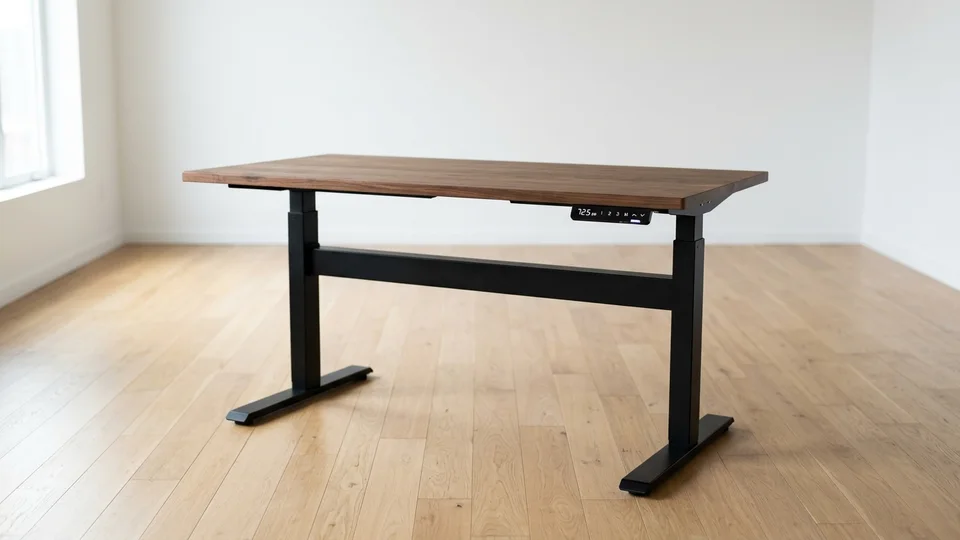
Dual-motor frames utilize internal Hall-effect sensors inside each lifting column. These sensors send electronic pulse counts to the control box to keep both columns synchronized within a fraction of a millimeter. When one sensor misses pulses or a cable connection degrades, the controller freezes to prevent structural bending.
Step 1: Check the Motor Cable Connectors
Crawl underneath the center frame rail. Dual-motor desks (like the FlexiSpot E7 or UPLIFT V3) feature two multi-pin cables connecting each leg motor to the central black control box.
Unplug both motor cables completely. Inspect the plastic locking clips. Re-insert them firmly until you hear an audible click. A loose locking clip is responsible for 80% of single-leg failures.
Step 2: Swap the Motor Ports to Test the Controller
If one leg still fails to move:
- Unplug Motor Cable 1 (Port M1) and Motor Cable 2 (Port M2) on the control box.
- Swap them: plug Cable 1 into Port M2, and Cable 2 into Port M1.
- Attempt a downward reset.
If the problem shifts to the opposite leg, your control box has a damaged MOSFET power channel and must be replaced under warranty. If the exact same leg remains dead, the issue lies in that leg's internal motor or Hall sensor.
Step 3: The Manual Leveling Lower
If your desk is severely tilted, the safety system will prevent any upward movement. You must force both legs down to the absolute bottom stop to restore mechanical synchronization:
- Remove all monitors and fragile items from the desktop.
- Hold the DOWN arrow continuously. Even if one leg moves slightly slower, the controller will drive both actuators down until both hit the physical bottom hard stop.
- Once both internal spindle rods bottom out simultaneously, the controller recalibrates zero, evening out the tabletop.
Anti-Collision Sensor False Alarms (Reversing Mid-Travel)
Modern electric desks feature built-in six-axis gyroscopic sensors designed to stop the frame if it strikes a windowsill, chair armrest, or under-desk cabinet. However, hyper-sensitive anti-collision sensors frequently cause false trips.

If your desk rises 2 inches and suddenly bounces downward without hitting anything, investigate these four factors:
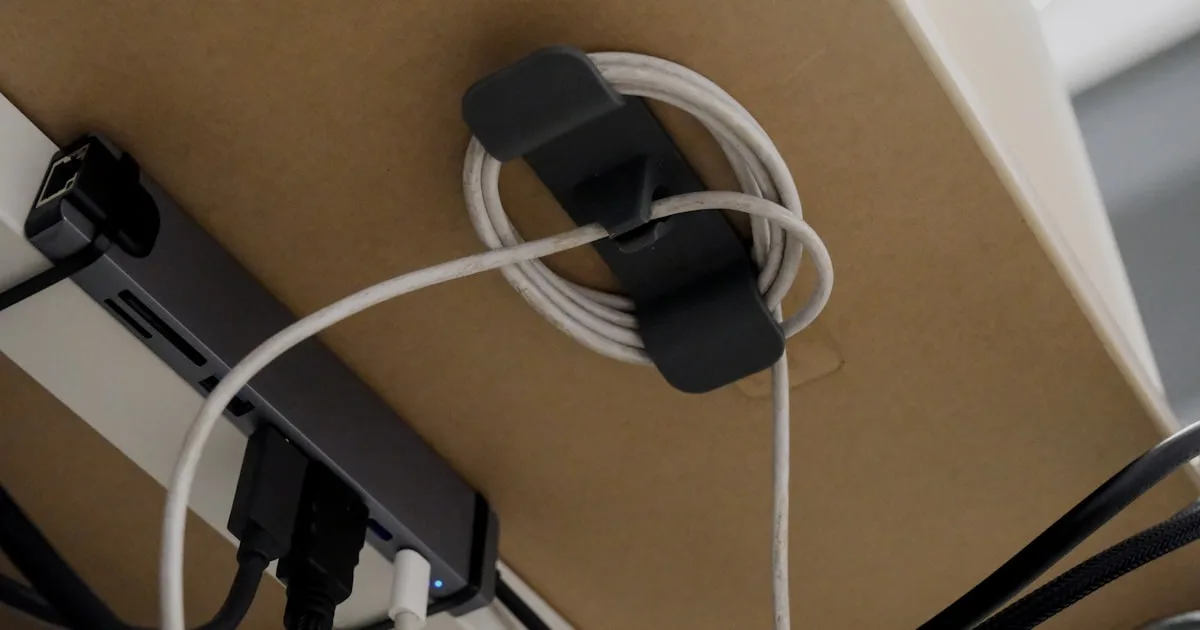
- 1. Cord Tension Snags: If your surge protector or PC tower sits on the floor while monitor cables connect to the tabletop, the cords tighten as the desk ascends. That sudden downward tug is interpreted by the gyroscope as a structural collision. Consult our Standing Desk Cable Management Guide to route a dedicated vertical cable spine with ample slack.
- 2. Uneven Weight Distribution: Placing a 40-pound desktop tower and heavy dual ultrawide monitor arms on the extreme far right corner creates asymmetric torque on the right lifting column. Distribute heavy equipment closer to the center or over the leg crossbars.
- 3. High Sensitivity Settings: Most controllers allow you to adjust anti-collision sensitivity from Level 1 (least sensitive) to Level 3 (most sensitive), or disable it entirely. On FlexiSpot keypads, holding the UP + DOWN arrows for 5 seconds cycles through sensitivity modes (
A-0off,A-1low,A-2medium,A-3high). - 4. Carpet Wobble and Frame Shudder: Deep shag carpet causes the frame to flex laterally when passing through mid-height transitions. Check our tutorial on how to stop standing desk wobble on carpet to stabilize the foundation with rigid carpet spikes or firm furniture pads.
The Duty Cycle Rule: Preventing Thermal Shutdown (E01 / HOT)
A common mistake new standing desk owners make is testing their desk repeatedly after assembly: running it from lowest to highest point four or five times in rapid succession. Suddenly, the desk locks up and displays HOT or E01.
Linear actuator motors generate significant internal friction heat inside the leg tubes. To protect the copper windings from melting, commercial standing desk standards (such as ANSI/BIFMA X5.5) mandate a 10% duty cycle rating: 2 minutes of continuous running requires 18 minutes of rest.
If your desk trips its thermal circuit breaker:
- Do not attempt to force resets or repeatedly push buttons.
- Leave the desk plugged in and allow it to sit completely idle for 18 to 20 minutes.
- Once the internal heat thermistor drops below safe operational thresholds, the controller will automatically dismiss the error and restore standard operation.
When to Contact Manufacturer Support for Replacement Parts
If you have performed the 60-second power drain, executed the 30-second manual reset, verified all motor connectors, and let the unit cool for 20 minutes, yet the error remains persistent, a hardware component has reached end of life.
Here is what to request based on your diagnostic symptoms:
- Clicking Sound in Control Box, Zero Motor Movement: The internal relay switch is firing, but the internal transformer is unable to step down voltage. Request a replacement control box.
- Handset Display Completely Blank (No Lights): Test the wall outlet with a lamp. If the outlet works, inspect the handset cable. If undamaged, the power supply board inside the control box has failed.
- Grinding Noise Inside One Leg Column: If one leg produces a harsh metallic grinding or screeching noise while moving, the internal lead screw or nylon drive gear has stripped. Stop using the desk immediately and request a replacement lifting column assembly.
- Error Clears After Reset But Fails Every Time You Elevate: The Hall-effect pulse counter inside one motor has failed. The controller cannot track motor speed and triggers a safety halt. Request a replacement motor leg.
Frequently Asked Questions
Why does my standing desk only go down and not up?
When a standing desk moves down but refuses to move up, it is operating in safety calibration mode. The controller has lost track of its vertical position and requires a complete zero-point reset. Hold the DOWN button continuously until the frame reaches its lowest mechanical stop, rebounds slightly, and beeps. Once calibrated, upward movement will be restored.
How do I reset a standing desk after a power outage?
Following a sudden power outage or voltage surge, microcontrollers forget their active height positioning. Unplug the desk for 60 seconds to discharge the capacitors, plug it back in, and hold the DOWN arrow until the desk lowers to the bottom and flashes a confirmation height.
What does the "RST" error code mean?
"RST" (or "ASR" / "rSt") is not a hardware fault. It stands for Reset. It simply informs you that the desk requires a standard 30-second calibration descent before normal height presets and manual adjustments can be used.
Can I manually raise a broken electric standing desk?
You cannot easily push or pull an electric standing desk up or down by hand. Electric desks use self-locking worm gears and lead screws inside each column to prevent the tabletop from collapsing under load. If the motor is dead and you must adjust the height, you would have to disconnect the motor driveshafts or unscrew the tabletop from the frame.
How do I find my ideal ergonomic desk height once reset?
Once your desk is working smoothly, use our free Standing Desk Height Calculator to calculate your personalized BIFMA ergonomic seated and standing elevations based on your exact body height and footwear thickness.
Essential Workstation Add-Ons Under $35
High-impact accessories verified by our research team to protect your cables and joints.
VIVO Under-Desk Cable Tray
Keeps power strips and heavy adapters off the floor so cables never yank when elevating.
ComfiLife Gel Anti-Fatigue Mat
High-density core reduces heel strike and lower back compression when standing 3+ hours.
VELCRO Brand ONE-WRAP (100pk)
Pre-cut reusable straps that easily unwrap for cord re-routing without scissors.
Soundance Ergonomic Laptop Stand
Elevates laptop screen 6 inches to eye level, preventing forward neck slouch.
Calculate Your Exact Desk & Chair Height
Slide to your height to see ANSI/BIFMA recommended standing and sitting presets.
Written by M. Haris
✓ BIFMA G1-2017 Certified EvaluatorFounder & Lead Workstation Ergonomics Researcher • 8+ Years Spec Testing
M. Haris leads ergonomic research at The Desk Riser, auditing manufacturer CAD schematics, motor cycle lifespan metrics, BIFMA weight load standards, and long-term user failure patterns across thousands of verified purchases. Every review is independent with 0% sponsored influence. Have questions or spot a warranty update? Email directly at support@thedeskriser.com or explore our Editorial Testing Methodology.
Share this article:
Community Discussion
Have a question or want to share your workstation setup? Join the discussion below.
Comments load automatically as you scroll down.