Best Standing Desk for Walking Pad 2026: Height + Fit Guide
Published 2026-08-07

How we researched
We compare current specs, warranty terms, buyer complaints, and long-term owner patterns. No fake hands-on claims.
Last price/spec check
2026-08-07. Prices move, so use the retailer page as the final source.
Who should skip this
Skip anything that does not fit your body, room, budget, or return-window comfort level.
Disclosure: We earn a commission if you buy through links on this page, at no extra cost to you.
Most standing desks top out at 48 inches. A typical walking pad adds 6 to 9 inches to your standing height. Do that math for your own height and you'll quickly see whether your current desk actually works for walking pad use, or just barely doesn't.
That's the question most walking pad guides skip. They list pads, mention a desk almost as an afterthought, and move on. This article is desk-first because the desk is where most walking pad setups fail.
If you're also comparing standing desk types generally, the best adjustable desks overview covers the full landscape. If you want context on how sit-stand setups work before adding a walking pad, the sit-stand desk guide is a good starting point.
Does Your Standing Desk Reach High Enough?
This is the first question to answer, and it's the one most buyers get wrong.
When you step onto a walking pad, your feet are 6 to 9 inches higher than the floor depending on the pad model. Thinner foldable pads like the WalkingPad A1 Pro sit about 4 to 5 inches high at the walking surface. Standard motorized walking pads sit closer to 7 to 9 inches. That elevation directly adds to the desk height you need.
Here's the math by height:
| Your Height | Typical Desk Height When Standing | Add Walking Pad (7" avg) | Desk Max Needed |
|---|---|---|---|
| 5'4" | ~40" | +7" | ~47" |
| 5'9" | ~42" | +7" | ~49" |
| 6'0" | ~44" | +7" | ~51" |
| 6'3" | ~46" | +7" | ~53" |
Most popular standing desks max out at 47 to 49 inches. For anyone 5'11" and under with a thinner pad, that's fine. For taller users, or for anyone using a thicker pad, a desk that maxes at 48 inches doesn't reach high enough to maintain proper elbow ergonomics while walking. You'd be hunching, which defeats the purpose.
The fix is simple: prioritize a desk with a higher maximum height range before you look at anything else.
The Leg Design Problem Nobody Warns You About
Two desk leg designs matter for walking pad setups: H-frame and C-frame.
H-frame desks have two leg columns connected by a crossbar near the floor. Most electric standing desks use this design. The crossbar doesn't usually block walking pad placement because the leg stance is wide enough.
But on compact H-frame desks, or with wider commercial-style pads, the crossbar can get in the way. It's worth checking the inner leg clearance for your specific pad width before buying.
C-frame desks have a single leg column on each side with no crossbar between them. This leaves completely open floor space and makes walking pad placement straightforward with any pad size. The FlexiSpot E7 Pro uses a variant of this design, which is part of why it's the top pick here.
One desk to actively avoid for walking pad use: the FlexiSpot Comhar. Its single center-post leg sits directly in the middle of the desk footprint, exactly where a walking pad needs to go. The Comhar is a great desk for regular use. For walking pads, it doesn't work.
What to Look for in a Standing Desk for Walking Pad Use
Maximum height range. Use the table above to calculate your number before you shop. Don't trust a desk listed as "ergonomic" without checking its actual max height spec. A lot of popular desks stop at 48 inches.
Leg clearance width. Most walking pads are 20 to 24 inches wide. Standard two-leg desk frames clear 36 to 45 inches between the inner leg faces. Not a problem for most setups, but worth confirming if you're using a wider commercial-grade pad.
Stability at full extension. At maximum height with minor vibration from walking, single-motor frames flex more than dual-motor frames. This is more noticeable when the desk is at or near its maximum height. If your height math puts you near the top of the desk's range, a dual-motor frame is the better call.
Keep the pad off the legs. Regardless of desk type, don't let the walking pad directly touch the desk legs. Contact transmits vibration from the pad motor into the frame. Leave an inch or two of clearance on each side.
Best Standing Desks for a Walking Pad Setup
FlexiSpot E7 Pro: Best Overall
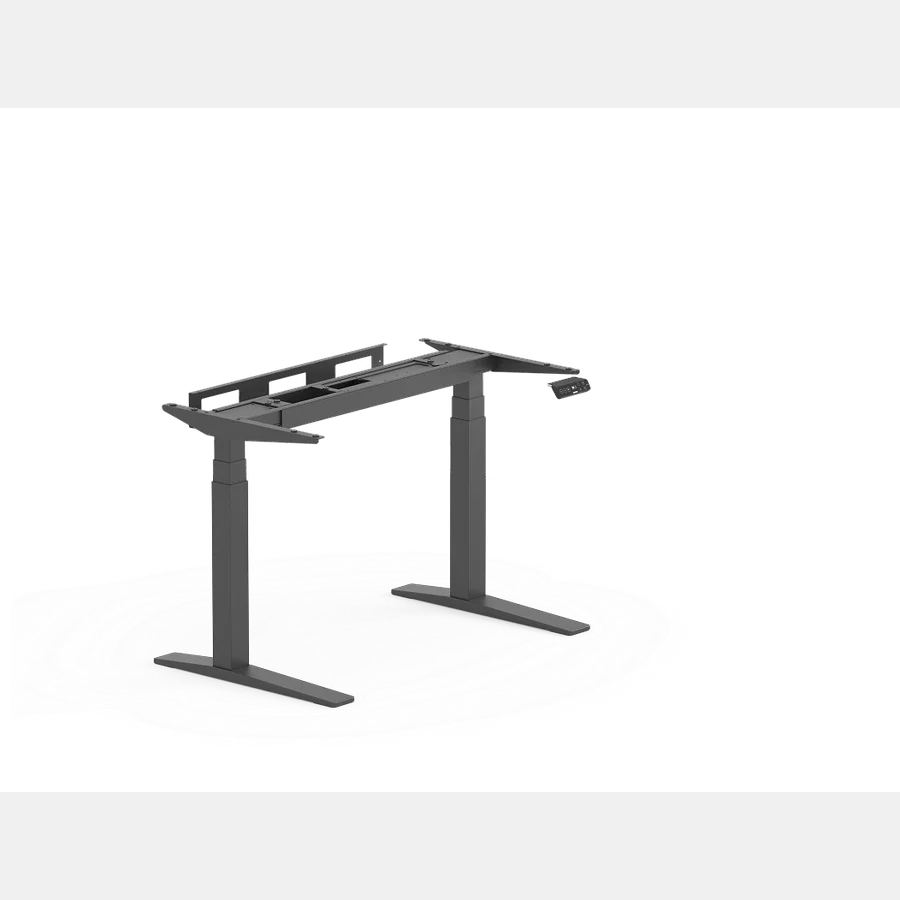
The E7 Pro is the top pick for walking pad setups because of one specific number: 50.6 inches maximum height. That's the ceiling most people need up to 6'2" even on a thicker pad (7 to 9 inches), and it's 2+ inches higher than most competing desks at a similar price.
The wider leg stance on the E7 Pro creates more open floor space than the standard E7, which matters for walking pad placement. You're less likely to feel like the desk is crowding the pad from the sides.
Dual motors keep the desk stable at full extension, which is where you'll actually be running it during walking pad use. Single-motor frames at maximum height are noticeably shakier, and that sway amplifies with a monitor on the surface.
Honest limitation: very tall users, 6'3" and up, with a 9-inch pad will push up against the 50.6-inch ceiling. The math gets tight. At that height and pad combination, look at the UPLIFT V3 Commercial or a heavy-duty frame with a 52-inch max.
Who it's for: Most users planning a dedicated walking pad desk setup. Anyone 5'8" to 6'2" who doesn't want to compromise on height range.
Who should skip: Anyone 6'3"+ with a thick pad. The max height won't get you where you need to be.
FlexiSpot E7: Best Budget Pick Under $500
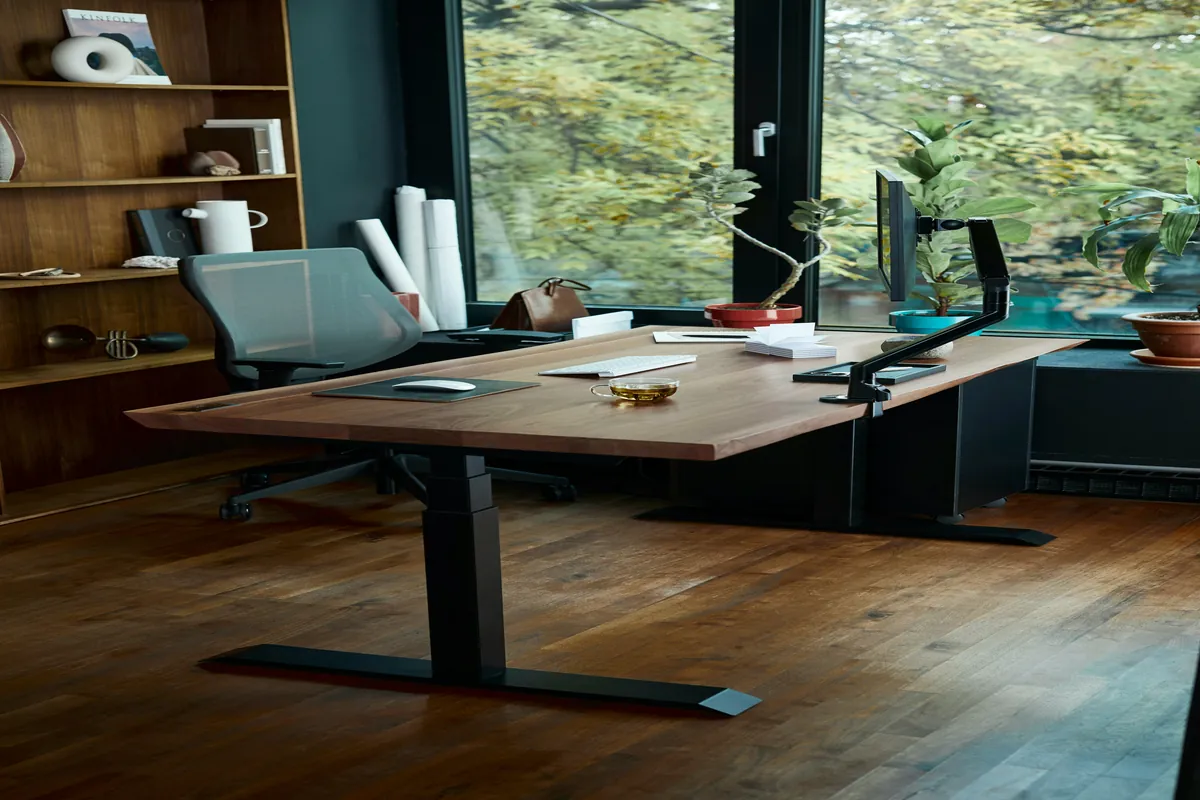
The E7 maxes out at 48.4 inches. That works for anyone 5'10" and under with an average-height pad (6 to 7 inches). It doesn't work cleanly for taller users or anyone using a pad that sits 8 to 9 inches off the floor.
For shorter users, the E7 is a good deal. It's a dual-motor frame at a price no other dual-motor desk consistently beats. The 355 lb capacity is more than enough for any monitor and accessory load. The 15-year frame warranty holds up well against what budget single-motor desks typically offer.
The honest constraint for walking pad use: 48.4 inches is borderline if you're 5'11" or over. A walking pad that sits 7 inches high at your height means you'd need the desk at around 49 inches. The E7 physically won't reach that.
Spending an extra $80 to $100 on the E7 Pro gets you the range you need.
For the budget-first buyer who's 5'9" or under, the E7 is the correct pick. Don't overpay for height range you won't use.
Budget Option: Under $300
If you're spending under $300, single-motor budget frames from brands like Vivo or Flexispot's lower-tier options show up around $200 to $250. They work. They're just not ideal for walking pad setups for two reasons: shorter max height ranges (often 45 to 47 inches, too low for most people on a pad), and less stability at full extension.
If your height and pad combination puts your needed max at 46 inches or under, a budget frame technically covers it. For anything above that, the E7 at $299 is worth the price difference.
See Budget Standing Desk Options on Amazon
UPLIFT V3: Premium Option (No Affiliate Link)
The UPLIFT V3 Commercial goes up to 52 inches, which covers 6'4"+ users on any walking pad. It's the right desk if height range is an absolute requirement and budget isn't the constraint. Prices start at $599 and climb quickly with accessories.
One counterintuitive note: for most walking pad setups under 6'3", the E7 Pro is actually the sharper buy. Its 50.6-inch ceiling handles the majority of use cases, and it costs $150 to $200 less. UPLIFT's main advantages, its premium crossbar-free construction and 15-year comprehensive warranty, matter more in a general standing desk context than in a walking pad-specific one where height range is the primary filter.
We don't have an affiliate relationship with UPLIFT. If you need the extra height, look it up directly on their site.
Walking Pad Desk Setup: Quick Ergonomics Check
Once you have the right desk, ergonomics come down to two adjustments.
Your elbows should be at roughly 90 degrees when your hands rest on the keyboard. With a walking pad, set the desk height at home first (standing on the floor), note that measurement, then add the exact height of your walking pad's walking surface. That's your working height while walking.
Walking speed matters more than people expect. At 1 to 2 mph, which is the typical range for working while walking, your body motion is subtle and typing accuracy is close to normal. Above 2 mph, focus and typing quality both drop. Start at 1 mph and increase only when the work you're doing doesn't require precise typing or detailed focus.
For tall users who want more context on ergonomic desk height calculations, the best standing desks for tall people covers height-range requirements in more detail. The best standing desks for programmers also addresses stability requirements, which apply here since walking pad vibration is similar to the typing-vibration concern programmers deal with at full extension.
FAQ
What height does a standing desk need to be for a walking pad?
Add your walking pad's deck height (usually 6 to 9 inches) to your normal ergonomic standing desk height. Most people 5'9" and under need a desk that maxes out at 49 inches or higher. Taller users need 51 to 53 inches depending on pad height. Don't buy a desk without checking its maximum height spec first.
Can I use any standing desk with a walking pad?
Not reliably. The desk needs to reach high enough for your combined standing-plus-pad height. Many popular desks top out at 47 to 48 inches, which works for shorter users but not for anyone 6'0"+ with a standard-height pad.
Is a C-frame or H-frame desk better for a walking pad?
C-frame and open H-frame designs both work well. The main thing to avoid is a center-post design, which blocks pad placement. Avoid the FlexiSpot Comhar for walking pad setups for this reason.
FlexiSpot E7 or E7 Pro for a walking pad?
E7 Pro if you're 5'11" or taller. Its 50.6-inch max height is meaningfully better than the E7's 48.4 inches for walking pad use, and this is the specific scenario where that 2-inch difference actually changes whether the desk works for you.
Does walking on a pad cause desk wobble?
Minor vibration from walking at 1 to 2 mph is normal and doesn't typically cause visible wobble. Keep the pad from directly touching the desk legs. A dual-motor frame handles any residual vibration better than a single-motor frame at maximum extension.
Do I need an anti-fatigue mat with a walking pad?
No. The walking pad is your standing surface. Don't put an anti-fatigue mat under or near the pad while it's in use. You can place a mat under the pad to protect hard flooring when the pad isn't in use.
The Desk Riser Research Team
Standing Desk & Home Office Researchers
We research standing desks, ergonomic chairs, and home office gear by analyzing manufacturer specs, warranty terms, and real owner review patterns across thousands of purchases. No sponsored placements. No fake hands-on claims.
Share this article: